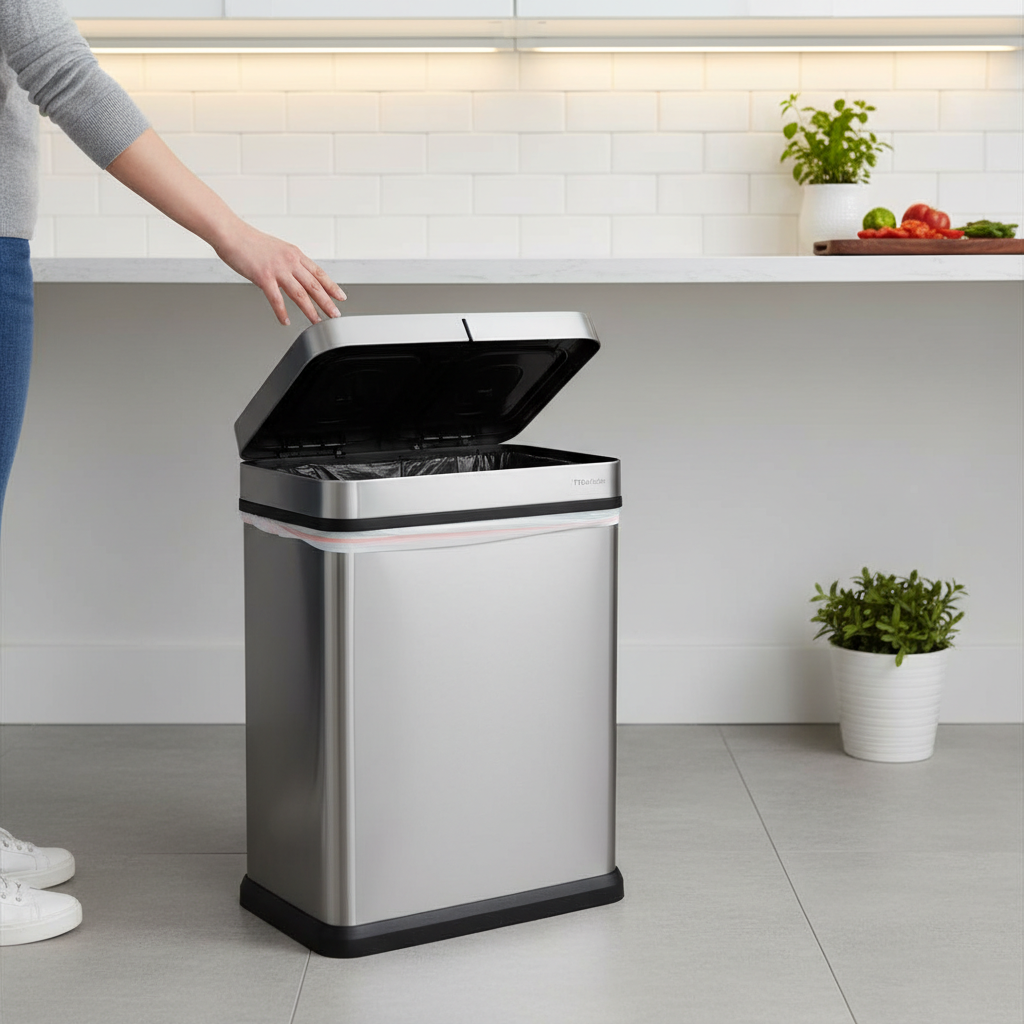
There’s a peculiar frustration that comes with modern conveniences: the “ghost opening” of your sensor trash can. You walk by, or sometimes even when you’re nowhere near, and the lid mysteriously springs open, only to slowly close again. This isn’t just an odd quirk; it’s an inconvenient drain on battery life and a breach of hygiene. If your smart trash can seems to have a mind of its own, triggering unexpectedly, it’s a common issue with a range of identifiable causes and practical solutions.
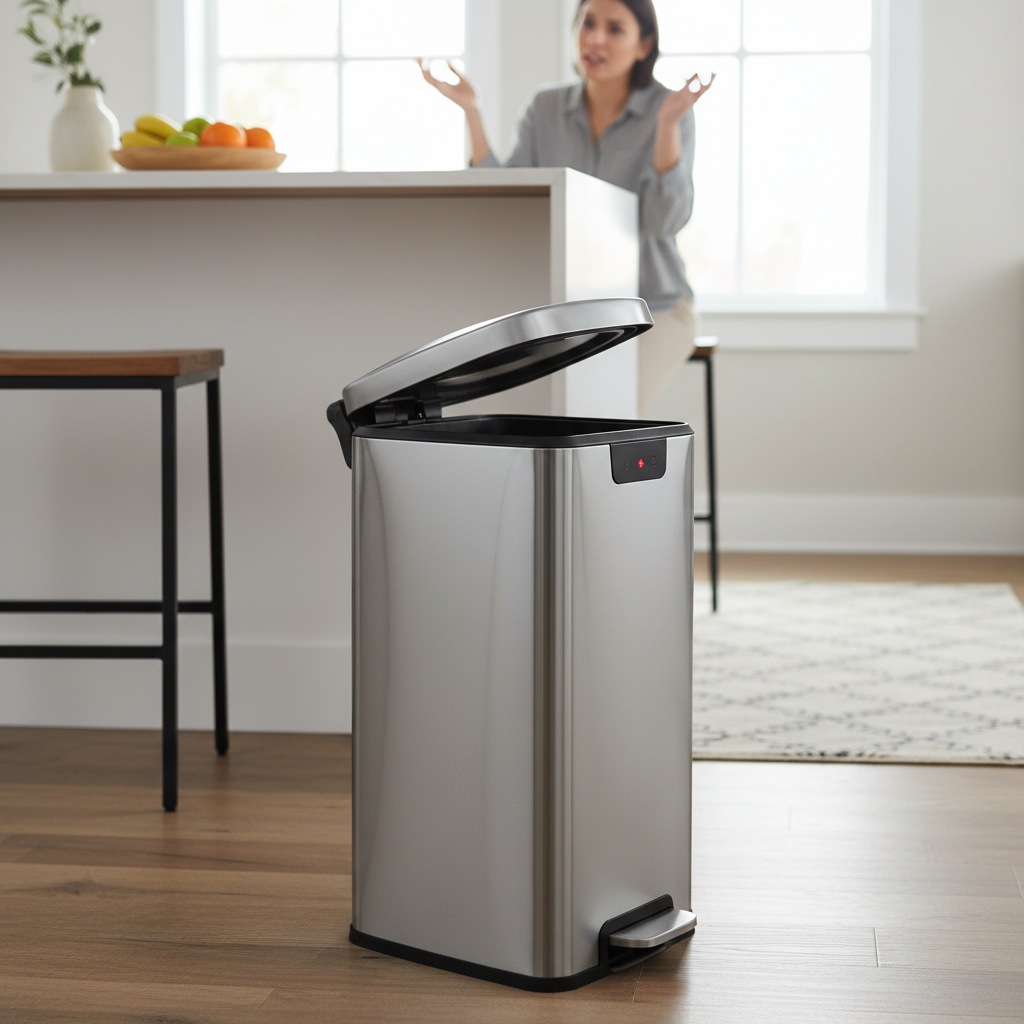
The Enigma of the “Ghost Opening”: Understanding Your Sensor Trash Can
Sensor-activated trash cans offer a hygienic, hands-free way to manage waste, typically relying on infrared motion sensors to detect movement in their immediate vicinity. When an object or person enters this detection zone, the sensor sends a signal, and a small motor lifts the lid. The convenience is undeniable, but when these sensors misfire, leading to what owners affectionately (or exasperatedly) call “ghost openings,” the experience quickly sours. A ghost opening is simply the trash can lid activating without an apparent trigger, making it seem as though an unseen presence is at play.
Unmasking the Culprits: Primary Reasons for Random Openings
Several factors can transform your smart appliance into a phantom opener. Understanding these common causes is the first step toward reclaiming control of your bin.
Environmental Interference and Sensor Obstruction
The environment around your trash can plays a significant role in its operation. Infrared sensors can be easily confused by elements that aren’t human motion.
- Strong Light Sources: Direct sunlight or intense artificial light can interfere with the sensor’s infrared beams, mimicking a detection. Highly reflective surfaces like polished floors, stainless steel appliances, or even glass can bounce light into the sensor, causing false positives.
- Unintended Motion: Pets, small children, or even objects like curtains swaying in a breeze can fall within the sensor’s detection range, triggering an unwanted opening. Placing the can in a high-traffic area makes it more susceptible to these accidental activations.
- Dirt and Debris: A thin film of dust, smudges, or fingerprints on the sensor window can obstruct its ability to read signals accurately, leading to erratic behavior.
- Electronic Interference: While less common for simpler models, proximity to other wireless devices such as Wi-Fi routers, smart home hubs, or security systems can sometimes cause electromagnetic interference, disrupting the trash can’s sensor signals.
- Moisture and Humidity: Electronic components are sensitive to moisture. High humidity in kitchens or bathrooms, or even accidental splashes during cleaning, can damage the internal circuits and cause the sensor to misfire.
|
Our Picks for the Best Smart trash can in 2026
As an Amazon Associate I earn from qualifying purchases.
|
||
| Num | Product | Action |
|---|---|---|
| 1 | EKO Mirage-T 50 Liter / 13.2 Gallon Touchless Rectangular Motion Sensor Trash Can, Brushed Stainless Steel Finish (Matte Black) |

|
| 2 | Vanpopubs 2 Pack 2.7 Gal Bathroom Trash Can with Lid, Automatic Trash Can Small Smart Garbage Can Touchless, Slim Motion Sensor Waterproof Plastic Trash Bins for Bedroom Office Kitchen Toilet |
|
| 3 | EKO Deluxe Mirage-T 50 Liter / 13.2 Gallon Touchless Rectangular Motion Sensor Trash Can, Matte Stainless Steel Finish |
|
| 4 | Ninestars 13 Gallon Automatic Trash Can, 50L Touchless Motion Sensor Garbage Can with Odor-Sealing Lid, Rectangular Stainless Steel, Silver Trim |
|
| 5 | iTouchless 24 Gallon Extra Large Touchless Sensor Trash Can with AbsorbX Odor Filter, 91L Commercial Stainless Steel Automatic Kitchen Bin for Home, Office, Restaurant, Commercial Lobby, Store |
|
| 6 | BestOffice | 13 Gallon Trash Can with Lid | Automatic Touchless Garbage Can | Odor Control | Modern Oval Design | Easy to Clean | Stainless Steel | Fits Any Kitchen, Bathroom, Office or Home |
|
| 7 | Ninestars 13 Gallon Oval Automatic Trash Can, 50L Touchless Motion Sensor Garbage Can with Odor-Sealing Lid & One-Touch Manual Mode, Silver Stainless Steel, Black Trim |
|
| 8 | EKO Mirage-T 50 Liter / 13.2 Gallon Touchless Rectangular Motion Sensor Trash Can, Brushed Stainless Steel Finish |
|
| 9 | Ninestars 13 Gallon Odor Neutralizing Smart Trash Can, UV + Ozone Dual Purification, Odor Control Motion Sensor Garbage Bin, Universal Power Adapter, ONT-50-81SL Stainless Steel, Silver, Nova Series |
|
| 10 | Bathroom Trash Can with Lid, KOEYLE 2 Pack 2.2 Gallon Automatic Touchless Garbage Can, Small Motion Sensor Smart Trash Can, Slim Waterproof Trash Bin for Bedroom, Bathroom, Office, Living Room (Black) |
|
Power Predicaments: Battery and Electrical Issues
Many sensor trash cans are battery-operated, and the quality and charge level of these batteries are critical to reliable performance.
- Low or Dying Batteries: This is one of the most common culprits. As batteries lose charge, they provide inconsistent power to the lid motor and sensor. This can manifest as erratic openings, the lid continuously cycling open and closed, or simply failing to operate correctly.
- Battery Type: While rechargeable batteries are eco-friendly, they might not always provide the consistent voltage required for optimal sensor performance, especially as their charge depletes. Standard alkaline batteries often offer more stable power.
- Loose or Damaged Wiring: In rare cases, particularly with older models or those that have been moved frequently, internal wiring could become loose or damaged, leading to inconsistent power delivery or faulty sensor signals.
Sensor Sensitivity and Malfunctions
The sensor itself, or its internal programming, can sometimes be the root of the problem.
- Overly Sensitive Settings: Some sensor trash cans allow for sensitivity adjustments. If the sensor is set to detect motion over a very wide or sensitive range, it becomes more prone to false triggers from subtle movements or environmental shifts.
- Misaligned Sensors: While more common in larger automatic doors, if a trash can’s sensor is not perfectly aligned (either internally or externally), it might struggle to accurately differentiate between intended and unintended targets.
- Internal Circuitry Damage or Software Glitches: Over time, or due to manufacturing defects, the sensor itself or the main control board can suffer damage. This can cause it to send false signals to the lid motor. Similarly, a minor software glitch in more advanced models could lead to unexpected behavior.
Your DIY Toolkit: Practical Solutions to Stop Ghost Openings
Before calling for professional help or considering a replacement, there are several straightforward troubleshooting steps you can take to fix your ghost-opening trash can.
Clean and Reposition: The First Line of Defense
Often, the simplest fixes are the most effective.
- Clean the Sensor Thoroughly: Using a soft, dry, lint-free cloth, gently wipe down the entire sensor area. Ensure there are no dust particles, smudges, or debris obstructing the sensor’s view. Avoid abrasive cleaners or excessive moisture.
- Strategic Repositioning: Move your trash can away from common trigger zones.
- Relocate it away from direct sunlight or bright overhead lights.
- Place it away from highly reflective surfaces.
- Position it in a corner or an area with less foot traffic, and away from pet feeding stations.
- Ensure it’s not too close to other electronic devices that might cause interference.
- Avoid placing it directly under air vents or near windows where drafts could cause curtains or other light objects to move.
Power Up: Addressing Battery and Electrical Concerns
A reliable power supply is fundamental to consistent sensor operation.
- Replace Batteries with Fresh Alkalines: If your trash can is battery-powered, remove the old batteries and replace them with a full set of brand-new, high-quality alkaline batteries. Always replace all batteries simultaneously, rather than just one or two. Ensure they are inserted with the correct polarity.
- Check Adapter Connection (if applicable): For models that use an AC adapter, ensure the cord is securely plugged into both the trash can and the wall outlet. Check for any visible damage to the cord or adapter.
- Reset the Device: Sometimes, a simple power cycle can clear minor electronic glitches. Remove the batteries (or unplug the adapter) for at least 5-10 minutes, then reinsert them or plug it back in. This hard reset can often resolve temporary software issues.
Adjust and Reset: Fine-Tuning Your Sensor
If your model offers adjustable settings, take advantage of them.
- Adjust Sensor Sensitivity: Consult your user manual to see if your model allows you to adjust the sensor’s detection range or sensitivity. If so, try lowering it to minimize false triggers.
- Look for a Manual Mode: Many sensor cans have a manual override button or switch to keep the lid open or closed. Using this temporarily can sometimes reset the automatic function when switched back.
Inspect for Physical Issues
A quick visual inspection can sometimes reveal simple obstructions.
- Clear Obstructions: Ensure there’s nothing physically blocking the lid’s movement or resting on the edge of the can that could interfere with the sensor’s line of sight or the lid’s closing mechanism.
When to Call for Backup: Professional Help and Replacements
If you’ve systematically worked through all the DIY solutions and your sensor trash can still insists on its ghostly openings, it might be time for more drastic measures.
- Identifying Irreparable Issues: Continuous ghost openings after troubleshooting, especially if accompanied by other erratic behavior, might indicate a deeper hardware problem such as a faulty sensor, a damaged control board, or extensive water damage that has corroded internal components. These issues are often beyond simple home repair.
- Warranty and Customer Support: Before discarding your unit, check if it’s still under warranty. Many manufacturers offer a limited warranty on their products, and a “ghost opening” issue could be covered. Contact the manufacturer’s customer support with details of your troubleshooting steps. They might offer further diagnostic advice, repair services, or a replacement unit.
Ghost-Proofing Your Home: Preventing Future Occurrences
Once you’ve resolved the issue, adopting a few best practices can prevent future ghost openings and extend the life of your sensor trash can.
Optimal Placement and Environment
Thoughtful placement is key to consistent performance.
- Choose Low-Traffic Areas: Position your trash can where accidental triggers from pets, children, or foot traffic are minimized.
- Avoid Reflective Surfaces: Keep it clear of shiny appliances, mirrors, or windows that could cause false reflections.
- Mind the Lighting: Ensure it’s not directly under harsh lights or in areas with fluctuating natural light.
- Maintain Dryness: In humid environments like kitchens and bathrooms, ensure the can is not subjected to direct splashes or excessive moisture.
Regular Maintenance and Care
A little routine care goes a long way.
- Routine Sensor Cleaning: Make it a habit to wipe down the sensor window with a soft, dry cloth regularly, preventing dust and grime buildup.
- Timely Battery Replacement: Don’t wait for your trash can to start acting erratically. Replace batteries preventatively every few months, especially if it’s in a high-use area.
- Gentle Handling: Avoid banging or dropping the trash can, which can damage internal components or misalign sensors.
“Many of the problems we see with sensor-activated devices stem from simple environmental factors. A clean sensor and thoughtful placement can solve over 70% of ‘ghost’ issues.” – Dr. Elena Rodriguez, Smart Home Technology Consultant
Frequently Asked Questions
Why does my sensor trash can open when no one is around?
This “ghost opening” is typically caused by environmental factors like direct sunlight, reflective surfaces, electromagnetic interference from other devices, or even minute dust particles on the sensor. Low batteries can also cause erratic behavior.
Can reflective surfaces really make my trash can open?
Yes, highly reflective surfaces such as stainless steel appliances, polished floors, or glass can bounce light waves into the infrared sensor, mimicking a human presence and causing the lid to open unexpectedly.
How often should I change the batteries in my sensor trash can?
Battery life varies greatly depending on usage frequency and battery quality. As a general rule, consider replacing standard alkaline batteries every 3-6 months, or immediately if you notice sluggish or erratic lid operation.
What kind of batteries are best for sensor trash cans?
High-quality alkaline batteries are generally recommended for sensor trash cans as they provide a consistent voltage supply, which is crucial for reliable sensor performance. While rechargeable batteries can be used, their voltage can drop more noticeably as they discharge, potentially leading to inconsistent operation.
Is there a way to turn off the sensor temporarily?
Most sensor trash cans offer a manual override button or switch that allows you to temporarily disable the automatic sensor function. This is useful for extended periods of non-use, or if you need to manually keep the lid open for a longer duration. Check your product manual for specific instructions.
Conclusion
The phantom openings of a sensor trash can can be a perplexing annoyance, but they are rarely a mystery. By understanding the core mechanics of your device and diligently troubleshooting common culprits—from environmental interference and sensor obstructions to power supply issues—you can effectively banish these “ghosts.” Regular cleaning, strategic placement, and timely battery replacement are your best defenses against erratic behavior, ensuring your smart trash can remains a convenient helper, not a source of frustration. Has tackling these issues brought your smart home’s phantom activity to a halt?