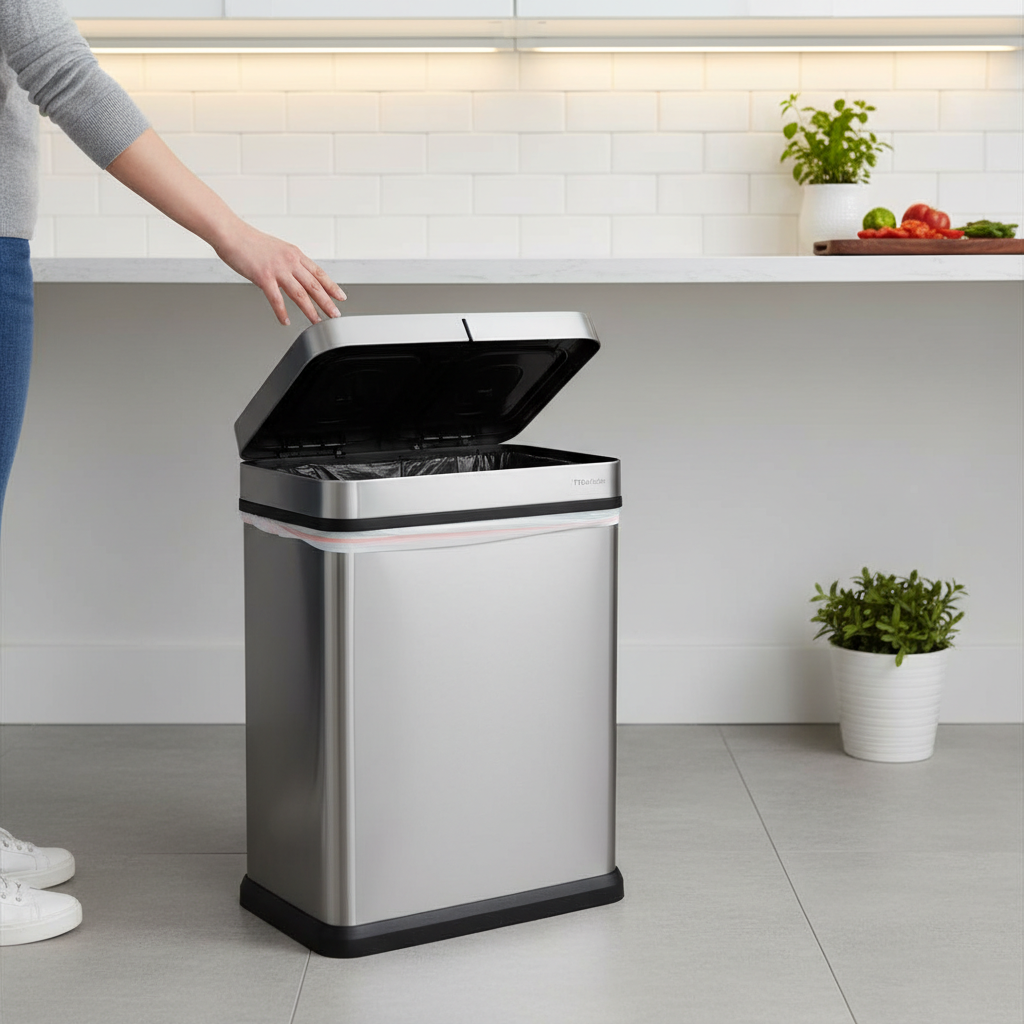
Motion sensor trash can lids offer unparalleled convenience and hygiene in modern homes and offices. The effortless wave of a hand opens the lid, keeping messes contained and hands clean. However, this sophisticated technology, while incredibly useful, is not immune to common pitfalls. Many users inadvertently make mistakes that drastically reduce the lifespan and performance of their motion sensor lids, leading to frustrating malfunctions. Understanding these common errors and how to avoid them is key to ensuring your smart trash can remains a reliable and efficient part of your daily routine. This guide will walk you through the most frequent missteps and provide practical advice to keep your motion sensor lid operating smoothly for years to come.
Understanding Your Motion Sensor Lid: The Basics of Operation
Before diving into common mistakes, it’s helpful to understand how a typical motion sensor lid functions. Most utilize passive infrared (PIR) sensors, which detect changes in infrared energy (heat) emitted by objects moving within their field of view. When a hand or body approaches, the sensor registers a change in heat signature, triggering a small motor to open the lid. Some might also use active infrared, emitting and detecting their own infrared light. This hands-free operation relies on precise electronics, a sensitive sensor, and a mechanical opening mechanism, all of which can be impacted by various factors. Knowing these basics helps in diagnosing issues and understanding why certain mistakes can be so detrimental.
Top Mistakes That Compromise Your Motion Sensor Lid’s Performance
Even the most advanced motion sensor lids can fall victim to simple, avoidable errors. These mistakes often stem from a lack of awareness regarding the delicate nature of the technology or overlooking basic maintenance. Recognizing and correcting these habits can significantly extend the life and reliability of your device.
Neglecting Battery Health: The Power Problem
|
Our Picks for the Best Smart trash can in 2026
As an Amazon Associate I earn from qualifying purchases.
|
||
| Num | Product | Action |
|---|---|---|
| 1 | Vanpopubs 2 Pack 2.7 Gal Bathroom Trash Can with Lid, Automatic Trash Can Small Smart Garbage Can Touchless, Slim Motion Sensor Waterproof Plastic Trash Bins for Bedroom Office Kitchen Toilet |

|
| 2 | EKO Deluxe Mirage-T 50 Liter / 13.2 Gallon Touchless Rectangular Motion Sensor Trash Can, Matte Stainless Steel Finish |
|
| 3 | Ninestars 13 Gallon Automatic Trash Can, 50L Touchless Motion Sensor Garbage Can with Odor-Sealing Lid, Rectangular Stainless Steel, Silver Trim |
|
| 4 | EKO Mirage-T 50 Liter / 13.2 Gallon Touchless Rectangular Motion Sensor Trash Can, Brushed Stainless Steel Finish |
|
| 5 | iTouchless 24 Gallon Extra Large Touchless Sensor Trash Can with AbsorbX Odor Filter, 91L Commercial Stainless Steel Automatic Kitchen Bin for Home, Office, Restaurant, Commercial Lobby, Store |
|
| 6 | Bathroom Trash Can with Lid, KOEYLE 2 Pack 2.2 Gallon Automatic Touchless Garbage Can, Small Motion Sensor Smart Trash Can, Slim Waterproof Trash Bin for Bedroom, Bathroom, Office, Living Room (Black) |
|
| 7 | Ninestars 13 Gallon Oval Automatic Trash Can, 50L Touchless Motion Sensor Garbage Can with Odor-Sealing Lid & One-Touch Manual Mode, Silver Stainless Steel, Black Trim |
|
| 8 | Ninestars 13 Gallon Odor Neutralizing Smart Trash Can, UV + Ozone Dual Purification, Odor Control Motion Sensor Garbage Bin, Universal Power Adapter, ONT-50-81SL Stainless Steel, Silver, Nova Series |
|
| 9 | BestOffice | 13 Gallon Trash Can with Lid | Automatic Touchless Garbage Can | Odor Control | Modern Oval Design | Easy to Clean | Stainless Steel | Fits Any Kitchen, Bathroom, Office or Home |
|
| 10 | EKO Mirage-T 50 Liter / 13.2 Gallon Touchless Rectangular Motion Sensor Trash Can, Brushed Stainless Steel Finish (Matte Black) |
|
One of the most frequent reasons for a malfunctioning motion sensor lid is inadequate power. Many users overlook the importance of proper battery maintenance. Inserting batteries incorrectly, using old or mismatched batteries, or simply forgetting to replace them regularly can lead to inconsistent performance or complete failure. A low battery might cause the lid to open slowly, intermittently, or not at all. Incorrect battery orientation can prevent the lid from powering on, while using different types or brands of batteries simultaneously can lead to uneven discharge and damage.
Overlooking Sensor Cleanliness and Obstructions
The motion sensor is the “eyes” of your lid. If its view is obstructed, it cannot function correctly. Dust, dirt, grease, or even stubborn grime from kitchen splatters can accumulate on the sensor lens, blocking its ability to detect motion. Furthermore, some new units come with a protective seal that users forget to remove, immediately impairing functionality. Physical obstructions, such as the trash can being too close to a wall, cabinet, or even an overfilled garbage bag protruding from the bin, can interfere with the lid’s opening mechanism or block the sensor’s line of sight.
Improper Placement and Environmental Interference
The environment where your motion sensor lid is placed plays a crucial role in its operation. Direct sunlight, especially if it hits the sensor, can confuse its infrared detection, leading to random openings or failures to detect genuine motion. Similarly, placing the trash can near heat sources like radiators, vents, or even large appliances that emit heat can cause false triggers. Highly reflective surfaces such as mirrors, polished floors, or stainless steel appliances too close to the sensor can bounce signals, leading to erratic behavior. High-traffic areas or placement where pets frequently roam can also result in constant, unnecessary lid activations, draining batteries faster.
Using Harsh Cleaning Agents and Liquid Damage
While keeping your trash can clean is essential for hygiene, the methods used for cleaning your motion sensor lid can easily cause damage. Using abrasive cleaners, harsh chemicals, or directly spraying water onto the electronic components can lead to corrosion, short circuits, or permanent sensor damage. Liquids seeping into the battery compartment or the motor housing are particularly detrimental, often rendering the unit irreparable. Even wiping down the sensor with a damp cloth that is too wet can introduce moisture where it shouldn’t be.
Ignoring Mechanical Wear and Tear
Beyond the electronics, the mechanical aspects of your motion sensor lid are also susceptible to wear. Forcefully closing the lid, attempting to manually open it against the motor’s resistance, or allowing the lid to slam repeatedly can damage the gears, hinges, or motor assembly. Overfilling the trash can to the point where garbage constantly presses against the lid mechanism can also cause undue stress, leading to mechanical failure over time. These issues might manifest as a grinding sound, slow movement, or the lid getting stuck in an open or closed position.
Incorrect Sensitivity or Timer Settings
Many advanced motion sensor lids offer adjustable sensitivity and timer settings. However, misconfiguring these can lead to frustrating experiences. Setting the sensitivity too high might cause the lid to open with minimal movement or from a greater distance than desired, leading to frequent false triggers. Conversely, a sensitivity set too low might mean you have to wave your hand multiple times or get very close for the lid to activate. Similarly, an incorrectly set timer for how long the lid stays open can either waste battery life by staying open too long or be inconvenient if it closes too quickly.
Essential Practices for Motion Sensor Lid Longevity
Extending the life of your motion sensor lid is largely about proactive care and mindful usage. By adopting a few simple habits, you can prevent most common issues and ensure your device remains a reliable helper in your home.
Routine Cleaning and Maintenance
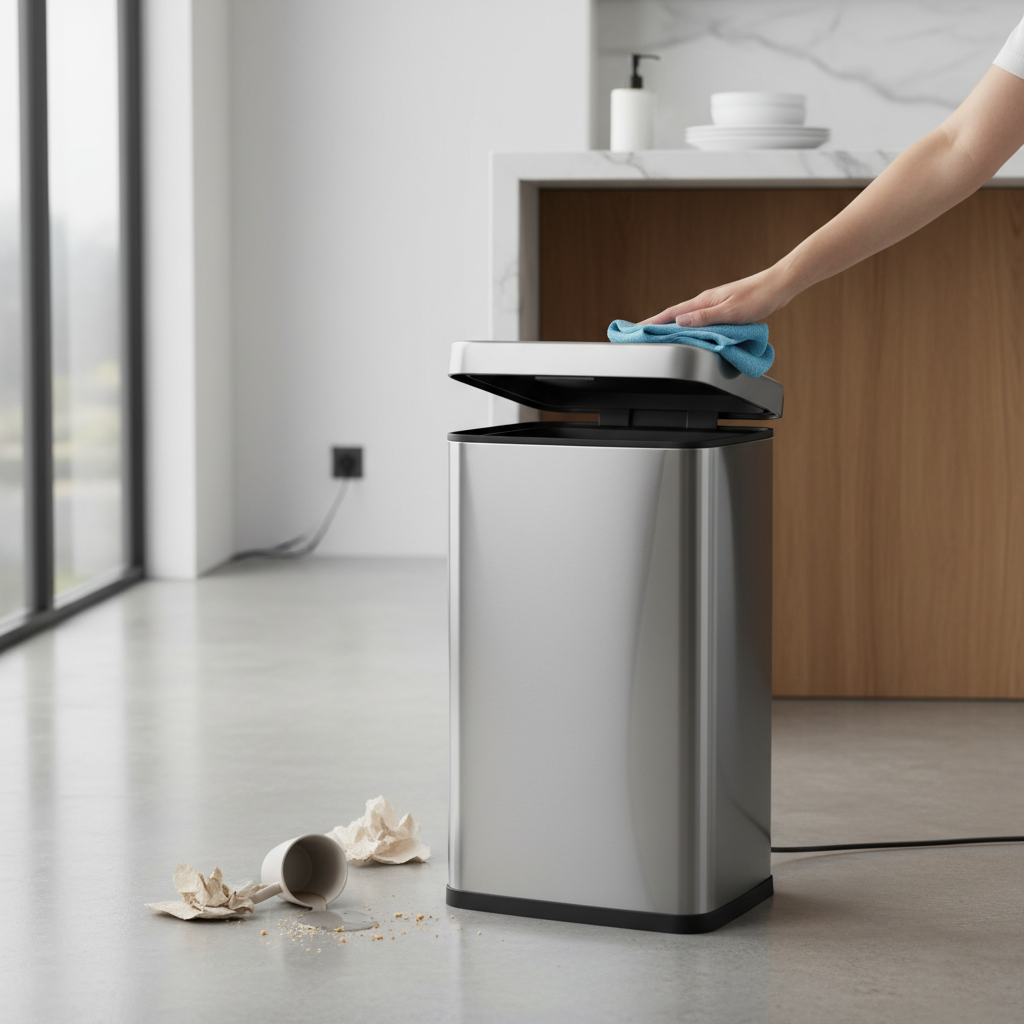
Regular, gentle cleaning is paramount. Use a soft, dry, or slightly damp (not wet) microfiber cloth to wipe down the sensor area and the entire lid. Avoid direct water sprays or harsh chemicals. For stubborn spots, a mild, diluted dish soap solution applied to the cloth (not directly to the lid) can be used, followed by a dry wipe. Periodically check for and remove any protective seals that may still be covering the sensor, and ensure the battery compartment is free of dust or corrosion.
Smart Battery Management
Always use fresh, high-quality batteries of the same brand and type. Replace all batteries at once, rather than mixing old with new. For units with an AC adapter option, consider using it, especially in high-traffic areas, to reduce reliance on batteries. If you plan to store the trash can for an extended period, remove the batteries to prevent leakage and corrosion.
Optimal Placement Strategies
Choose a location for your motion sensor lid that is away from direct sunlight, heat sources, and highly reflective surfaces. Ensure there’s ample clear space around the sensor and above the lid for it to operate freely without obstructions. Place it in an area where accidental triggers from passing foot traffic or pets are minimized, or adjust the sensitivity accordingly if your model allows.
Gentle Use and Care
Treat your motion sensor lid with care. Allow the automated mechanism to open and close the lid naturally; avoid forcing it open or shut manually. Prevent overfilling the trash can, ensuring that garbage does not obstruct the lid’s path. When changing bags, turn the power off if possible to avoid accidental activations and to protect the motor.
Troubleshooting Common Motion Sensor Lid Issues
If your motion sensor lid isn’t performing as expected, a quick troubleshooting checklist can often resolve the problem.
- Lid not opening: Check batteries (replace if needed), clean the sensor, ensure no obstructions.
- Lid opening randomly: Relocate away from heat/reflective surfaces, adjust sensitivity (if applicable), clean sensor.
- Lid staying open too long/closing too fast: Check and adjust timer settings.
- Lid making grinding noise: Check for physical obstructions in the mechanism, ensure the bin isn’t overfilled.
A simple reset, often involving turning the power off, removing batteries for a few minutes, and then reinstalling them, can also resolve minor electronic glitches.
When to Repair or Replace Your Motion Sensor Lid
While many issues can be fixed with proper care and troubleshooting, there are times when repair or replacement is the more sensible option. If, after exhaustive troubleshooting, your lid still malfunctions, consider the age of the unit and the cost of potential repairs. Severe mechanical damage, extensive liquid damage, or persistent electronic failures despite new batteries and clean sensors often point towards the need for a replacement. Consult the manufacturer’s warranty or support for repair options, but for older units, investing in a new, more efficient model might be more economical in the long run.
Buying Guide: What to Look for in a Durable Motion Sensor Lid
When considering a new motion sensor lid or upgrading an existing one, prioritize features that contribute to longevity and ease of maintenance. Look for models with:
- Robust construction: Stainless steel or high-quality ABS plastic for durability.
- Adjustable sensitivity and timer settings: Allows for customization to your environment.
- Easy-to-access battery compartments: Facilitates quick and easy battery changes.
- Water-resistant design: Offers better protection against accidental spills.
- Manual override button: A useful feature if the sensor temporarily fails or if you need the lid to stay open.
- Reputable brand with good warranty: Indicates manufacturer confidence in product quality.
Investing in a well-designed product can significantly reduce the likelihood of encountering common issues and ensure a longer, more satisfying user experience.
Conclusion
Motion sensor trash can lids are fantastic innovations that bring convenience and hygiene to our daily lives. However, their sophisticated nature means they require a degree of mindful care to perform optimally. By being aware of common mistakes such as neglecting battery health, overlooking sensor cleanliness, improper placement, using harsh cleaners, and ignoring mechanical wear, you can actively prevent most malfunctions. Adopting simple practices like routine cleaning, smart battery management, and careful placement will significantly extend the lifespan of your device, ensuring it remains a hands-free helper for years. Are you ready to make these small changes for a longer-lasting, more reliable motion sensor lid?
Frequently Asked Questions
Why does my motion sensor lid open randomly?
Random openings are often caused by environmental factors such as direct sunlight hitting the sensor, heat sources nearby, or reflective surfaces bouncing signals. High sensitivity settings or even pets moving in its detection range can also trigger it. Try relocating the bin, cleaning the sensor, or adjusting sensitivity if your model allows.
How often should I clean the sensor on my trash can lid?
It’s advisable to gently wipe the sensor area weekly with a soft, dry cloth, especially in busy kitchen environments where grease and dust can accumulate quickly. If you notice erratic behavior, cleaning the sensor should be one of your first troubleshooting steps.
Can I use rechargeable batteries in my motion sensor trash can?
Yes, many motion sensor trash cans can use rechargeable batteries, but it’s crucial to ensure they are high-quality and fully charged. Be aware that some rechargeable batteries might have a slightly lower voltage (e.g., 1.2V instead of 1.5V for alkalines), which could affect performance in some units designed for higher voltage.
What kind of cleaner should I use on my motion sensor lid?
For general cleaning, a soft, dry microfiber cloth is best. For more stubborn grime, lightly dampen the cloth with water and a tiny amount of mild dish soap, then immediately follow with a dry cloth. Never spray cleaners directly onto the lid, especially near the sensor or battery compartment.
How do I reset my motion sensor trash can lid?
Most motion sensor lids can be reset by simply turning the power switch off, removing the batteries (or unplugging the AC adapter) for a few minutes to allow any residual power to drain, and then reinserting them and turning the unit back on. Consult your specific model’s manual for detailed reset instructions.